
How to Search Cases by Name
The statewide workhorse is Wisconsin Circuit Court Access, known as WCCA. Iron County appears on its county list. Keep your Iron County case lookup tight. Enter a last name. Add a first name, then set County to Iron. A middle name helps when several people share the same name. For a company, agency, or organization, use the business-name field instead.
- Open the WCCA simple case search and review its public-access notice.
- Choose an individual or business search and enter the known name fields.
- Select Iron County rather than leaving a statewide search when the filing is local.
- Review filing date, case number, county, status, and caption to identify the match.
- Record the case number before opening details or contacting the clerk.
No account is needed, and the form is not an eFiling screen. So skip the attorney eFiling login and run an ordinary Iron County case lookup as a public visitor.
| Field | Type | Required | Use |
|---|---|---|---|
| Last name | Text | For person search | Primary surname field |
| First name | Text | No | Narrows common names |
| Middle name | Text | No | Further distinguishes results |
| Birth date | Date | No | Use lawfully; never republish |
| Business name | Text | For business search | Finds agencies and organizations |
| County | Selection | No | Choose Iron for local results |
| Case number | Text | No | Best when already known |
Iron County's Simple WCCA Form
Iron County's simplest WCCA search packs a lot into one form. You can enter a last, first, and middle name. A birth date, a business name, a county, and a case number are options too. Checkboxes widen the net. They pull in parties whose middle name or birth date is missing from the court record. Pick your terms carefully, though. Run a broad name across the whole state. You may surface people with nothing to do with your Iron County docket search. The official WCCA simple-search source lays out the current fields on the court's own page.
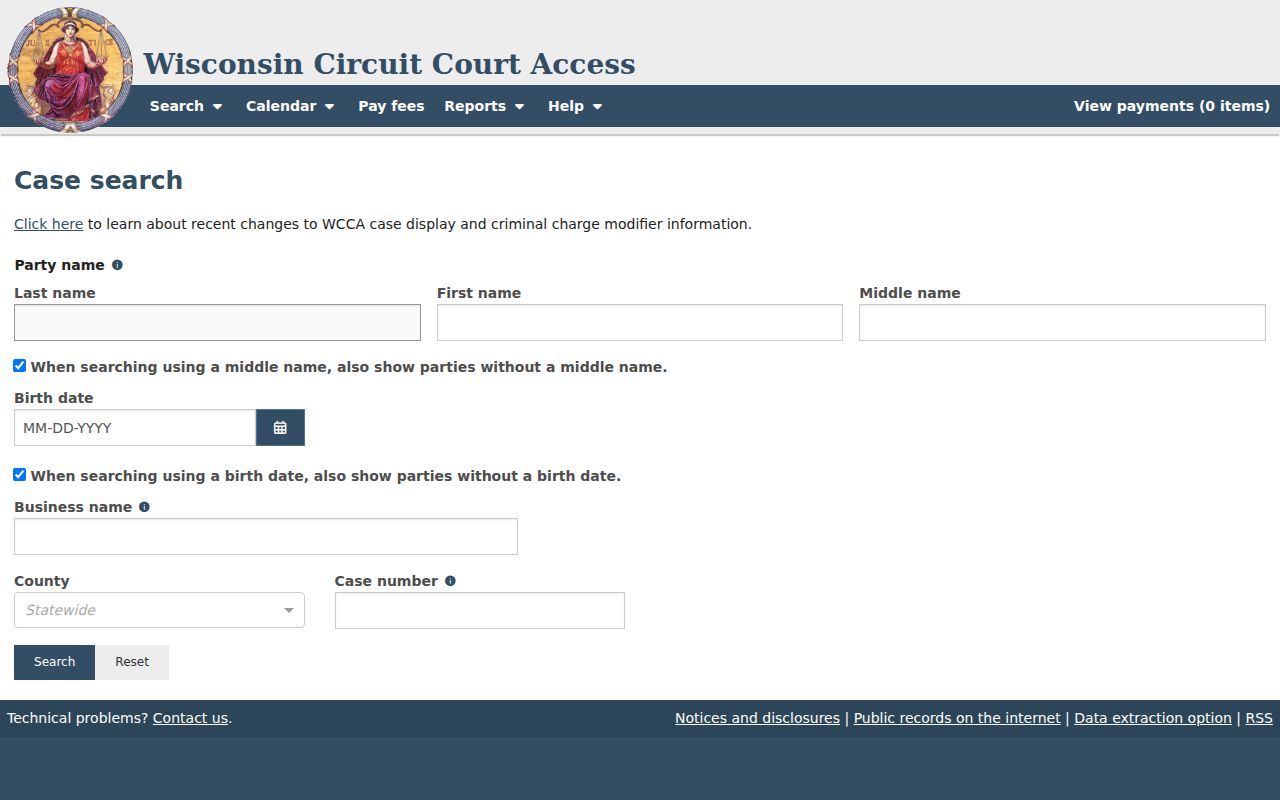
WCCA keeps things simple. Enter a name, pick Iron County, and read what comes back on the screen.
The workflow stays tight. Find the right Iron County court record, copy its case number, and leave birth dates and stray results alone.
How to Search by Case Number
Nothing beats a case number. Wisconsin's public format runs four digits for the year. Two letters mark the case type, then six digits for the sequence. Take 2024CX000002: 2024 is the year, CX the type, and 000002 the sequence. WCCA's tooltip shows a shorthand entry like 02cf1 normalizing to 2002CF000001. Write the full form in every note or request. It cuts down on mix-ups. The codes you'll see most: CF for felony, CM for misdemeanor, CT for criminal traffic, TR for traffic forfeiture, CV for civil, SC for small claims, FA for family, and PR for probate. Federal case numbers follow a different pattern entirely. Those live in PACER or the Western District of Wisconsin system, not WCCA.
Iron WCCA Public-Access Boundaries
WCCA is a public information display. It is not the official judgment and lien docket. Its notice spells out what public access covers. It also says where it stops. Expect an index and docket information, not the filed documents or transcripts themselves. The Iron County Clerk of Courts holds the actual circuit-court file. The WCCA public-access source states the terms you'll see before searching.
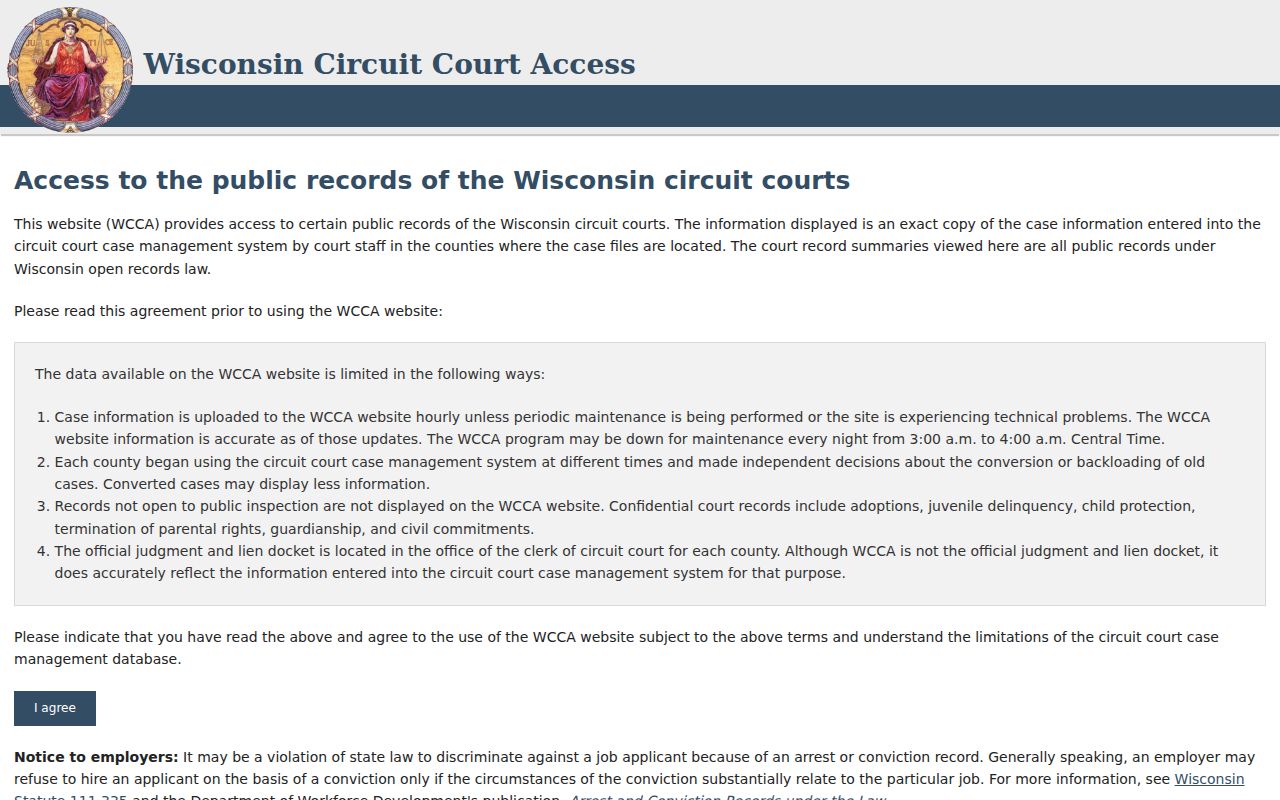
That line matters when a screen print won't do. Ask the clerk for the filing, order, transcript, ordinary copy, or certified copy you actually need.
What a Case Search Shows
A typical Iron County result table shows case number, filing date, county name, case status, name, date of birth, and caption. You can also filter by Open or Closed status. Change the page size, or page through more than one screen of hits. Open a case and the detail may add branch, case type, parties, attorneys, docket entries, hearing dates, dispositions, judgments, and financial fields. All of it appears when public and present.
| Case number | The stable year, type, and sequence identifier. |
|---|---|
| Filing date | The date the matter entered the system. |
| County and branch | The circuit-court location and branch assignment. |
| Caption and parties | The case title and public party roles, subject to limits. |
| Status | Open, Closed, Filed Only, or Reopened where applicable. |
| Docket entries | Chronological event, filing, order, or hearing references. |
| Disposition | A recorded result or closure, not inferred from status alone. |
Don't read too much into a status label. A Closed case can still see postjudgment activity later. An Open result doesn't mean a hearing is set for today. Check the docket entries and the Iron County court dates.
Wisconsin Search Layers for Iron
Wisconsin splits its case-search tools by court level, and the state's landing page keeps them apart. WCCA handles circuit courts, Iron County included. WSCCA covers Court of Appeals matters, while federal district and bankruptcy searches run on separate federal systems. Pick the right layer. Choosing the wrong one can look like a case doesn't exist. The official state case-search choices show those distinct routes.
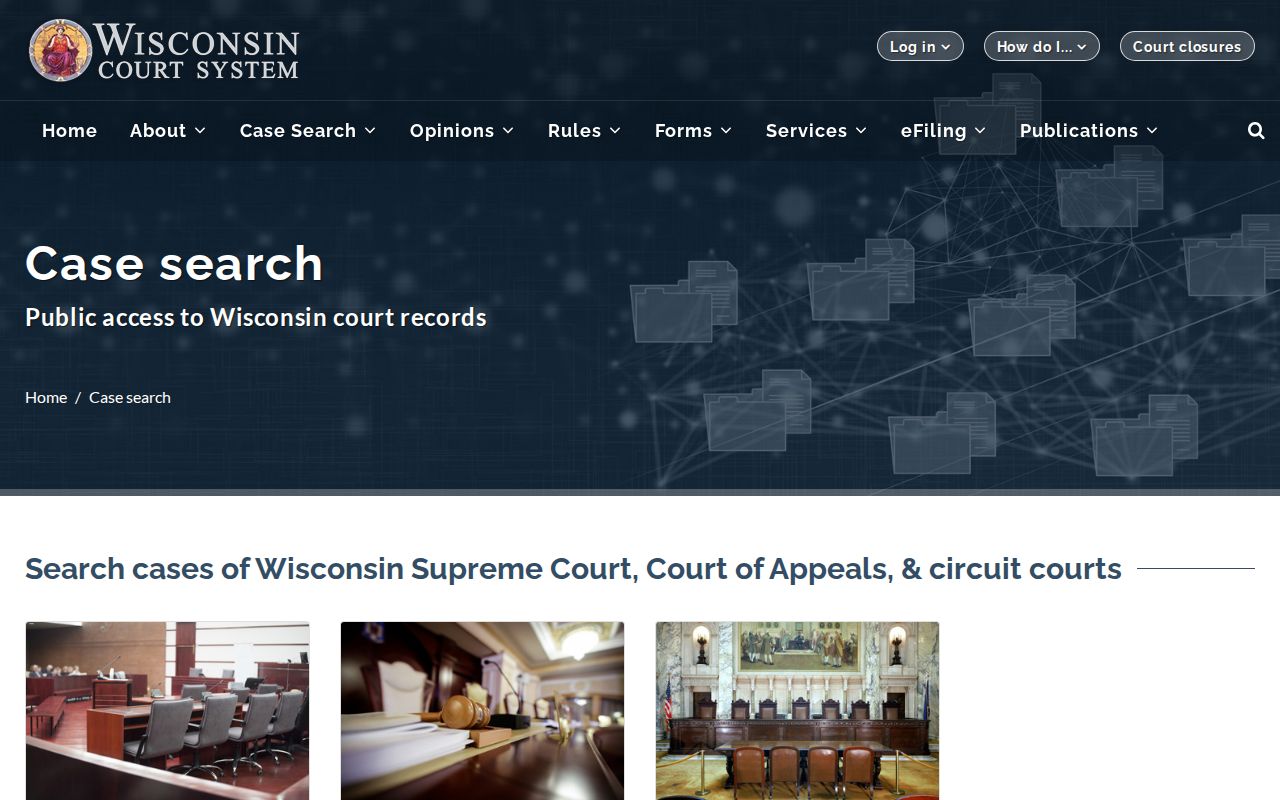
For an Iron County trial matter, WCCA comes first. Turn to an appellate search only after an appeal, and to PACER only if the case is federal.
County vs Statewide Case Search
Iron County offers no case-index portal of its own. WCCA fills that gap statewide. The real choice is between WCCA's statewide index and the county's local channels. Need a case number or docket entry? WCCA is the tool. The county's SharePoint link may carry some public court documents. For the official file and copies, the clerk is the stop.
| WCCA statewide search | Iron County local channels |
|---|---|
| Searches circuit case information across Wisconsin | Handles Iron County files and local verification |
| Uses name, business, county, or case number | Uses case number and a specific document request |
| Shows index and docket information | May provide a public file, copy, or certification |
| No public account required | Counter, phone, mail, public terminal, and county document link |
The Clerk of Courts sits in Suite 207, 300 Taconite Street, Hurley, WI 54534. The office answers at 715-561-4084. Counter hours run Monday through Friday, 8:00 a.m. to 4:00 p.m. Call before you mail anything, so you can confirm fees, postage, and delivery. No internet at home? WCCA works at a public terminal in the county courthouse. Probate-specific requests may go to the Register in Probate instead.
When Iron Search Results Are Thin
An empty result on WCCA is not proof that a case is missing. Some Iron County matters never reach the public docket at all. Adoption, juvenile delinquency, child protection, termination of parental rights, guardianship, and civil commitment cases are often confidential. Others are simply held back from display. Older files that were converted to electronic form can carry fewer details online. Fresh filings also lag. WCCA refreshes hourly, and it runs nightly maintenance from roughly 3:00 to 4:00 a.m. Central.
Work through a fallback order rather than guessing. Start with WCCA simple search and set County to Iron. If that fails, use Advanced Search by case type, status, date, citation, or district attorney number. Still nothing? Call or visit the Clerk of Courts. Bring the approximate year, a party or business name, and the case type. The county Clerk page also links to a public SharePoint library. A WCCA event may still have no downloadable file behind it, though. For probate records, ask the Register in Probate. City parking matters go to the city, and federal cases belong in federal systems.
Restricted Cases and Access Rules
Wisconsin leans toward openness in government affairs under Wis. Stat. §19.31. Yet other statutes carve out protected information and closed proceedings. Wis. Stat. §801.19 guards identifiers like Social Security, financial-account, driver-license, and passport numbers. Confidential filings and protected case categories fall under Section 801.20. Section 801.21 lays out the court process for sealing or redacting material. Juvenile records draw additional limits from §938.396.
On WCCA, anything nonpublic gets hidden or coded. The party who files bears the job of protecting confidential details. A clerk makes no independent promise to release sealed material. Attorney eFiling access can show documents to authorized parties that the public never sees. When the law allows you access, ask for it through the proper court process. Do not work around the public display.
Use the public record carefully. Track a case or verify a court event, but do not republish protected identifiers or treat silence in WCCA as proof.
Iron Case Lookup to Clerk File
A good Iron County case lookup finishes at the source that actually answers your question. WCCA names the case and lays out its chronology. A posted filing may sit in the county public-document link. For everything else, the Clerk of Courts holds the public portion of the file. The clerk explains copy options and can certify a copy. The official judgment and lien docket stays with the clerk as well.
Bring the case number if you have it. No number? Give an approximate filing year, the names or business involved, and the case type. Wisconsin's fee table lists a $5 search to locate one action without a number. Regular circuit copies run $1.25 per page, and certification adds $5. Fees can change, so confirm the current amount before ordering. A mailed request should name the document or docket-entry date. Say whether you want an ordinary or certified copy. Include delivery method and contact details too.
Iron Case Search Technology Updates
State technology changes can touch an Iron County case lookup even when WCCA looks the same as always. One recent access project and some account-security changes involve different systems. Neither one is a new county docket portal. The Wisconsin Court System's statewide access and technology news records the current initiative.
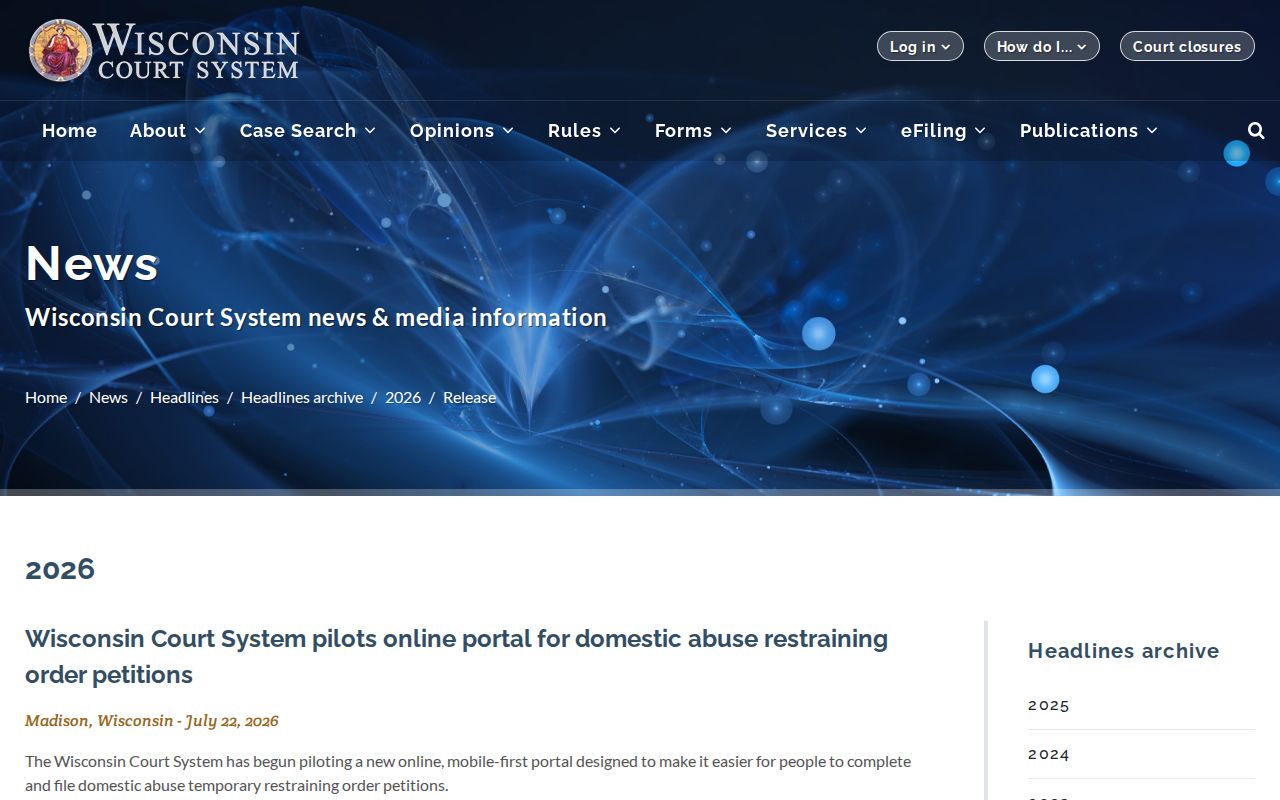
That announcement tracks court access work in general. WCCA and the Iron County clerk remain the working routes for public search and official files.
Account security has also shifted for Wisconsin eCourts users. The official eCourts two-factor authentication notice documents the update.
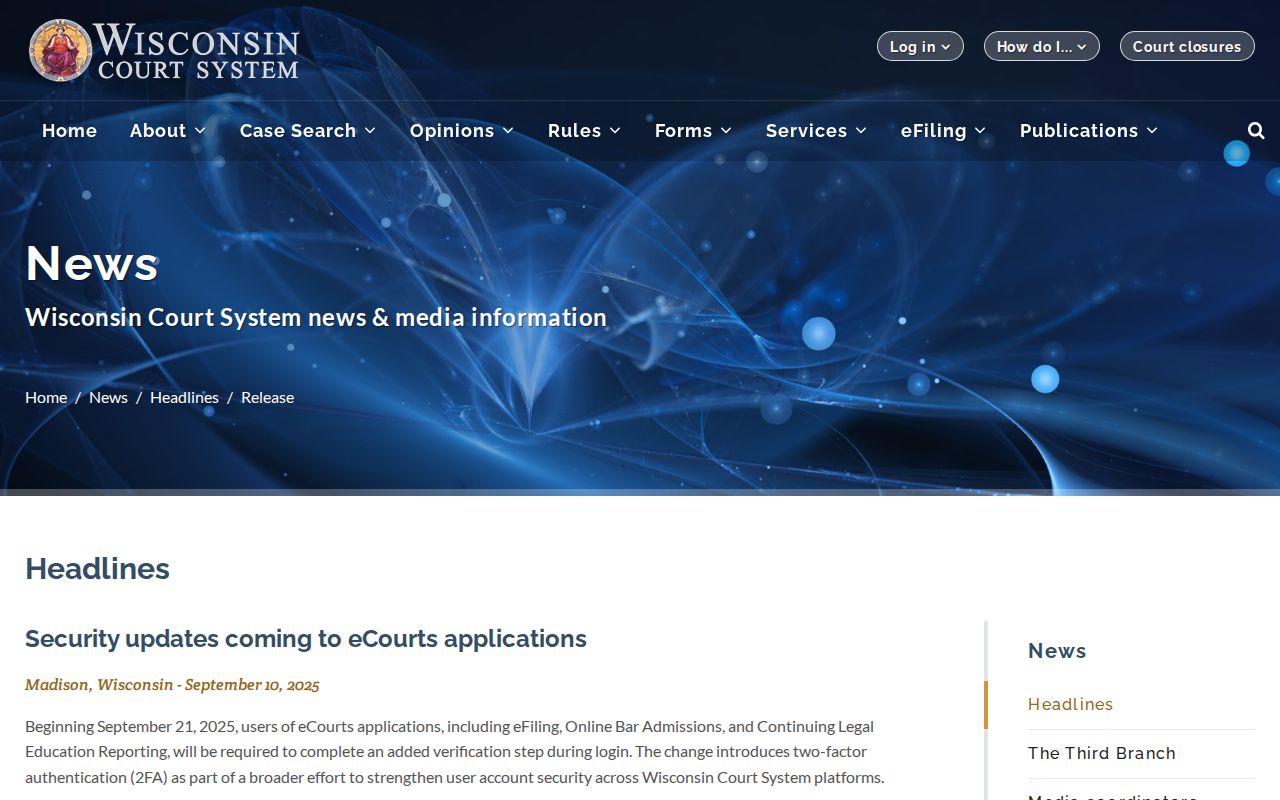
Two-factor authentication protects how an account opens. It does not turn eFiling into a public search, and a plain WCCA lookup needs no filing credentials.
Iron Court Workload and eFiling
Workload studies may shape administration down the road, but they cannot change a current Iron County result. The Wisconsin judicial workload-study news gives the official context for the state's review.
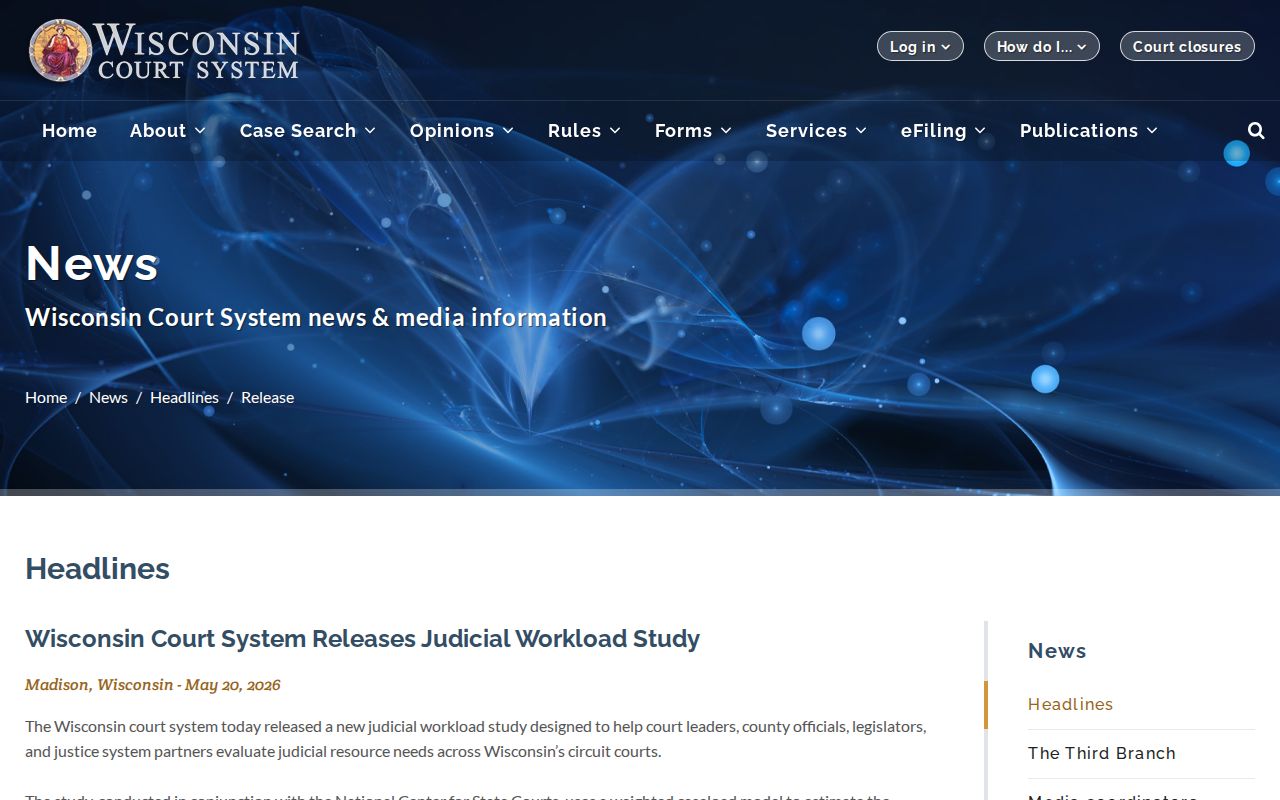
The study concerns how courts are run. It does not cover the status or outcome of any single case. Read the case docket itself and confirm live settings locally.
Filing releases are documented on their own. The official Wisconsin circuit eFiling update archive records changes to the system that handles circuit filings.
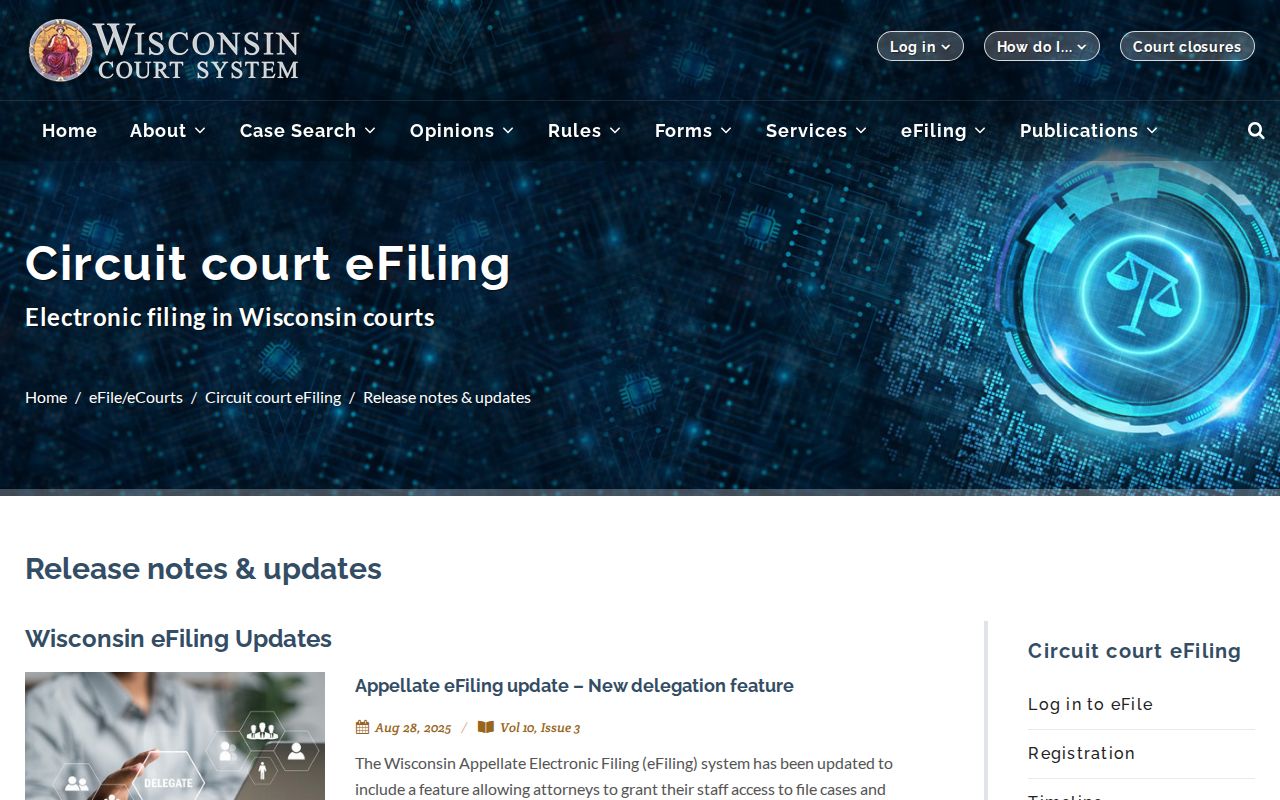
The archive can help an authorized filer understand a system change. It does not replace WCCA, and eFiling access never makes restricted documents public.